Buying Wisconsin Licences on Go Wild
Many hunters in Wisconsin find themselves scrambling each year, trying to figure out which licenses they need, where to buy them, and how to navigate the ever-evolving rules and application processes. It can feel like a maze, especially with changes to seasons or new regulations. This comprehensive guide is here to demystify the process of buying your Wisconsin hunting licenses and permits through the state's Go Wild system, ensuring you're ready for the woods without unnecessary stress.
Understanding the Go Wild System
The Wisconsin Department of Natural Resources (DNR) launched the Go Wild system several years ago, and it really changed the game for how hunters and anglers manage their licenses, permits, and conservation stamps. Before Go Wild, you might remember filling out paper applications, visiting a local vendor, or dealing with multiple online systems. It was clunky, to say the least. The whole idea behind Go Wild was to create a centralized, user-friendly platform that consolidates everything into one place. This means less confusion, fewer lost applications, and generally a smoother experience for everyone involved, from seasoned veterans to those just starting their hunting journey. It's designed to be your one-stop shop for all things related to legal hunting and fishing in the Badger State.
Your Go Wild Account Profile
When you first step into the Go Wild world, whether online or at a local vendor, the very first thing you'll need is your own Go Wild account profile. Think of it like your digital hunter's ID card for the state of Wisconsin. Setting it up is pretty straightforward, but it's crucial to get all the details right. You'll need to provide personal information such as your name, date of birth, and a valid Wisconsin driver's license or state ID number. If you're an out-of-state hunter, you'll use your Social Security Number. This profile is where all your hunting history, preference points for controlled hunts, and even your hunter safety certification records are stored. It’s also where you'll manage your contact information, so making sure your email and mailing address are up-to-date is vital for receiving important notifications from the DNR, like drawing results for limited-entry hunts. Keeping your account secure with a strong password is just as important as protecting your physical wallet, as it holds all your crucial hunting credentials.
Navigating the Online Portal
Once your Go Wild account is set up, learning to navigate the online portal itself is key to a stress-free experience. The main Go Wild website is surprisingly intuitive, but like any new system, it takes a little getting used to. You'll typically log in using your customer ID (which is usually your DNR customer number or your driver's license number) and the password you created. From the main dashboard, you’ll see various options: "Buy Licenses," "Apply for Drawings," "View My Licenses," and "Update My Profile," among others. If you're looking for a specific license, say a deer hunting license or a small game license, you'll head to the "Buy Licenses" section. For those highly sought-after permits like bear or spring turkey, the "Apply for Drawings" section is where you'll submit your applications and track your preference points. Platforms like GoHunt often integrate with state DNR sites, providing helpful overlays or guides, but the core transactions always happen directly on the official Go Wild portal. Taking a few minutes to click around and familiarize yourself with where everything lives before the season rush can save you a lot of headaches later on.
Step-by-Step: Purchasing Your Wisconsin Hunting License
The actual act of buying your license on Go Wild might seem daunting at first, especially if you're used to the old ways or if it's your first time navigating state regulations. But I promise, once you get the hang of it, it's quite efficient. The system is designed to walk you through each step, and it even helps you identify certain requirements you might need, like a Wisconsin waterfowl stamp or a Federal Duck Stamp, if you're pursuing migratory birds. This streamlines the process and helps prevent common errors that could otherwise leave you illegally afield. Whether you're purchasing online from the comfort of your home or at a participating vendor, the underlying Go Wild system is the same.
Choosing the Right License
This is often where new hunters, or even those switching game species, get a little tripped up. Wisconsin offers a variety of licenses, each tailored to specific hunting activities. For deer, you'll choose between an archery/crossbow license or a gun deer license. Remember, the system now combines the archery and crossbow privileges, making it one less decision you have to make. Then there are specific licenses for small game, wild turkey (which often requires a draw), bear (also a draw), and furbearers. If you plan to hunt multiple species, you might want to consider the Wisconsin Conservation Patron Licence. This is often the most economical choice for active hunters and anglers, as it bundles many common licenses and stamps into one convenient purchase. When you select a license, the system will often prompt you about additional requirements, such as whether you need a harvest authorization (antlerless tags, for example) for deer. It’s crucial to take your time here, read the descriptions carefully, and ensure you're getting exactly what you need for the species and seasons you intend to hunt. For a detailed breakdown of costs, you can always refer to resources like Wisconsin Hunting Licences and What They Cost.
Applying for Drawings and Preference Points
Some of Wisconsin's most exciting hunts, particularly for bear, spring turkey, and elk, operate on a drawing system due to limited quotas. This is where preference points become incredibly important. When you apply for a limited-entry hunt through Go Wild, and you aren't successfully drawn, you typically earn a preference point. These points accrue over the years, increasing your odds in future drawings. For example, the bear hunt is notoriously difficult to draw without a good stack of points, sometimes taking a decade or more for a non-resident in popular zones. The Go Wild system meticulously tracks these points for you. When the application period opens, you'll navigate to the "Apply for Drawings" section, select the hunt type (e.g., Wisconsin Spring Turkey Zones and Periods), and follow the prompts. You can usually select your preferred zones and periods. It's critical to pay attention to application deadlines, as missing one means missing out for an entire year and losing the chance to earn a point. Your Go Wild account will clearly display your current preference point totals for each species, which is incredibly helpful for planning your future hunting applications. For more on bear points, check out Wisconsin Bear Preference Points and Zones.
Payment and Confirmation
Once you've selected all your licenses and applied for any drawings, the final step is payment and confirmation. Go Wild accepts all major credit and debit cards, and the process is secure. After successful payment, you’ll receive an immediate confirmation, usually both on-screen and via email. This confirmation is incredibly important, as it serves as your initial proof of purchase. It's highly recommended to save this email and, if possible, print a copy for your records, especially if you're experiencing any issues with your digital license showing up immediately. The system is pretty robust, but like any online portal, sometimes a payment can get stuck or a page might time out. If you encounter any problems, check your email for a transaction receipt first. If you don't receive one, it's best to contact the DNR's customer service or visit a local vendor before attempting to purchase again, to avoid duplicate charges or invalid licenses.
Managing Your Licenses and Tags
Your Go Wild account isn't just for buying licenses; it's a comprehensive platform for managing all your hunting credentials throughout the year. From ensuring you have proper proof in the field to keeping your personal details accurate, knowing how to navigate these post-purchase features is just as important as the initial buy.
Digital Proof vs. Physical Copies
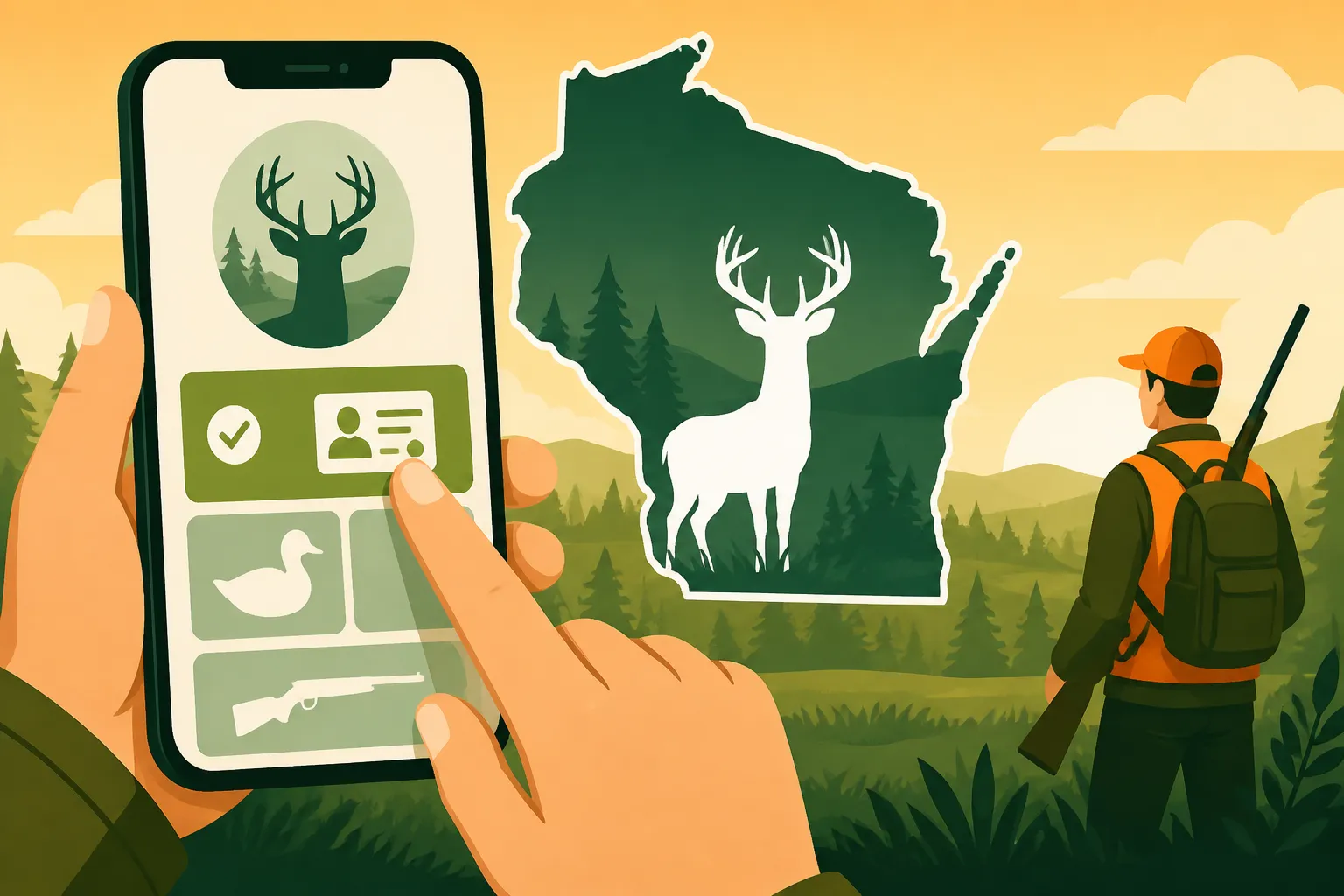
One of the great modern conveniences of Go Wild is the ability to carry your license proof right on your smartphone. When you purchase a license, it’s instantly added to your digital profile. This means you can simply show your digital license to a warden if asked, which is far more convenient than fumbling for a paper copy in the field, especially if it's raining or snowing. The DNR's "Hunt Wild Wisconsin" app, for example, is fantastic for this. It directly links to your Go Wild account and displays all your current licenses and harvest authorizations. However, there are times when a physical copy might still be useful or even necessary, such as for specific deer tags that require physical validation or if you hunt in areas with no cell service. You can always print copies of your licenses from your Go Wild account at home, or request a replacement at a vendor for a small fee. For detailed information, see Carrying Licence Proof on Your Phone. Always check the specific regulations for the hunt you're on, as certain tags, like carcass tags for deer or bear, often have unique requirements for attachment that a digital copy can't fulfill.
Updating Personal Information
Life happens, and sometimes your address changes, or you get a new phone number or email. Keeping your personal information updated in your Go Wild account is critical. Not only does it ensure you receive important communications from the DNR, like updates on Wisconsin Deer Seasons and Zones, but it also impacts residency status for license pricing. If you move from out-of-state to Wisconsin and establish residency, updating your address is the first step to being eligible for lower resident license fees. Conversely, if you move out of state, your license type will shift to non-resident. You can typically update your address, phone number, and email directly through the "Update My Profile" section of your Go Wild account. It’s a quick process that ensures all your official hunting documentation is accurate and up-to-date, preventing potential issues down the line.
Checking Application Status and Drawing Results
The anticipation of drawing results for highly sought-after permits can be agonizing. Thankfully, Go Wild makes it relatively easy to check your application status and see if you were successful. After the drawing periods close, the DNR processes applications, and results are typically posted by a specific date, which is usually announced well in advance. You'll log into your Go Wild account and navigate to the "Apply for Drawings" or "My Applications" section. Here, you'll see a clear status update for each hunt you applied for, whether you were drawn, were unsuccessful, or if the results are still pending. Many hunters will also receive an email notification, so keeping your contact information current is key. If you are drawn, the permit is automatically added to your list of licenses. If you weren't, you'll see your preference point tally updated. This transparency is a big improvement over older systems, helping hunters plan their season and manage their expectations.
Common Hurdles and How to Overcome Them
Even with the best intentions and a well-designed system like Go Wild, sometimes things just don't go as planned. It's frustrating to run into a technical snag when you're trying to secure your hunting privileges. But don't despair; many common issues have simple solutions, and the DNR has resources to help.
Technical Glitches and Browser Issues
"My payment isn't going through!" or "The page keeps freezing!" These are common cries from hunters trying to buy licenses online. Technical glitches can be incredibly annoying. Often, the simplest solution is to try a different web browser. While Go Wild is generally compatible with most browsers like Chrome, Firefox, Edge, and Safari, sometimes a specific browser or its settings might cause issues. Clearing your browser's cache and cookies can also resolve many common problems by removing old, potentially conflicting data. Ensuring your browser is up-to-date is another good practice. If you're using a public computer or an older system, these issues might be more prevalent. When the application periods for popular hunts are in full swing, the system can sometimes experience high traffic, leading to slower loading times. Patience is a virtue here, but persistent issues warrant trying the tips above or moving to a different device or location.
Account Access Problems
Forgetting your password is a classic problem, and it can be a real pain when you're trying to quickly grab a leftover turkey tag. The Go Wild system has a "Forgot Password" or "Forgot My Customer ID" link, just like most online services. It will typically prompt you for some identifying information (like your Social Security Number, date of birth, or email address) to verify your identity and help you reset your credentials. If your account gets locked due to too many incorrect login attempts, you might need to wait a certain period, or in some cases, contact the DNR customer service directly. Their help desk is usually equipped to assist with these types of issues, walking you through the steps to regain access. Having your Wisconsin driver's license number or previous hunting license handy when you call will make the process much smoother. For out-of-state hunters, your Social Security Number will be the primary identifier. The goal is always to prevent unauthorized access while still making it possible for legitimate users to retrieve their accounts.
Understanding License Requirements and Regulations
Perhaps the biggest hurdle isn't technical, but rather understanding the intricate web of Wisconsin's hunting regulations. It's easy to make a mistake, especially with new rules or changes to baiting and feeding bans. For example, knowing the difference between a statewide general deer license and needing a specific antlerless tag for a particular county or land type (public versus private) is critical. This is where detailed information from sources like How Many Deer You Can Take in Wisconsin, Wisconsin Resident Licence Options, and Wisconsin Nonresident Licence Options, becomes invaluable. The Go Wild system will typically prompt you if you need a specific stamp or authorization, but it doesn't always explain the why behind it. For instance, if you're hunting small game and migratory birds, you'll need the proper state small game license, a Federal Duck Stamp, and HIP (Harvest Information Program) certification. All these are available through Go Wild, but understanding when and why you need them requires a little homework on your part. The "Hunt Wild Wisconsin" app and the DNR website, which also provides information on Wisconsin Hunter Safety and Mentored Hunting, are excellent resources for staying informed. Don't be afraid to read the regulations pamphlet cover to cover; it's the best way to ensure you're hunting legally and ethically.
Quick Reference: Common Wisconsin Hunting Licenses
Here's a quick look at some common licenses and what they generally cover. Prices are estimates and can change, so always check Go Wild for the most current information.
| License Type | What it Covers | Typical Resident Cost (Approx.) | Typical Non-Resident Cost (Approx.) | Notes |
|---|---|---|---|---|
| Conservation Patron License | Most hunting, fishing, and trapping licenses + stamps | $100 | $600 | Best value for avid multi-species hunters. |
| Gun Deer License | Deer hunting during gun season | $24 | $160 | Includes one "buck" authorization. Antlerless tags extra. |
| Archery/Crossbow Deer License | Deer hunting during archery/crossbow season | $24 | $160 | Includes one "buck" authorization. Antlerless tags extra. |
| Small Game License | Rabbit, squirrel, pheasant, grouse, etc. | $18 | $85 | Required for most upland bird and small game hunting. |
| Spring Turkey Authorization | Specific period/zone turkey hunting (drawing required) | $15 | $15 | Requires a valid small game or Conservation Patron license. |
| Bear Application | Entry into bear permit drawing (no license until drawn) | $5 | $5 | Preference point earned if not drawn. |
| Waterfowl Stamp (State) | Required for hunting waterfowl in WI | $7 | $7 | Also requires Federal Duck Stamp and HIP certification. |
Disclaimer
Please be aware that hunting regulations, license fees, and application deadlines in Wisconsin are subject to change. While this guide aims to provide accurate and up-to-date information, it is always your responsibility to consult the official Wisconsin Department of Natural Resources (DNR) website and current regulations pamphlets before engaging in any hunting activities.